9 min read
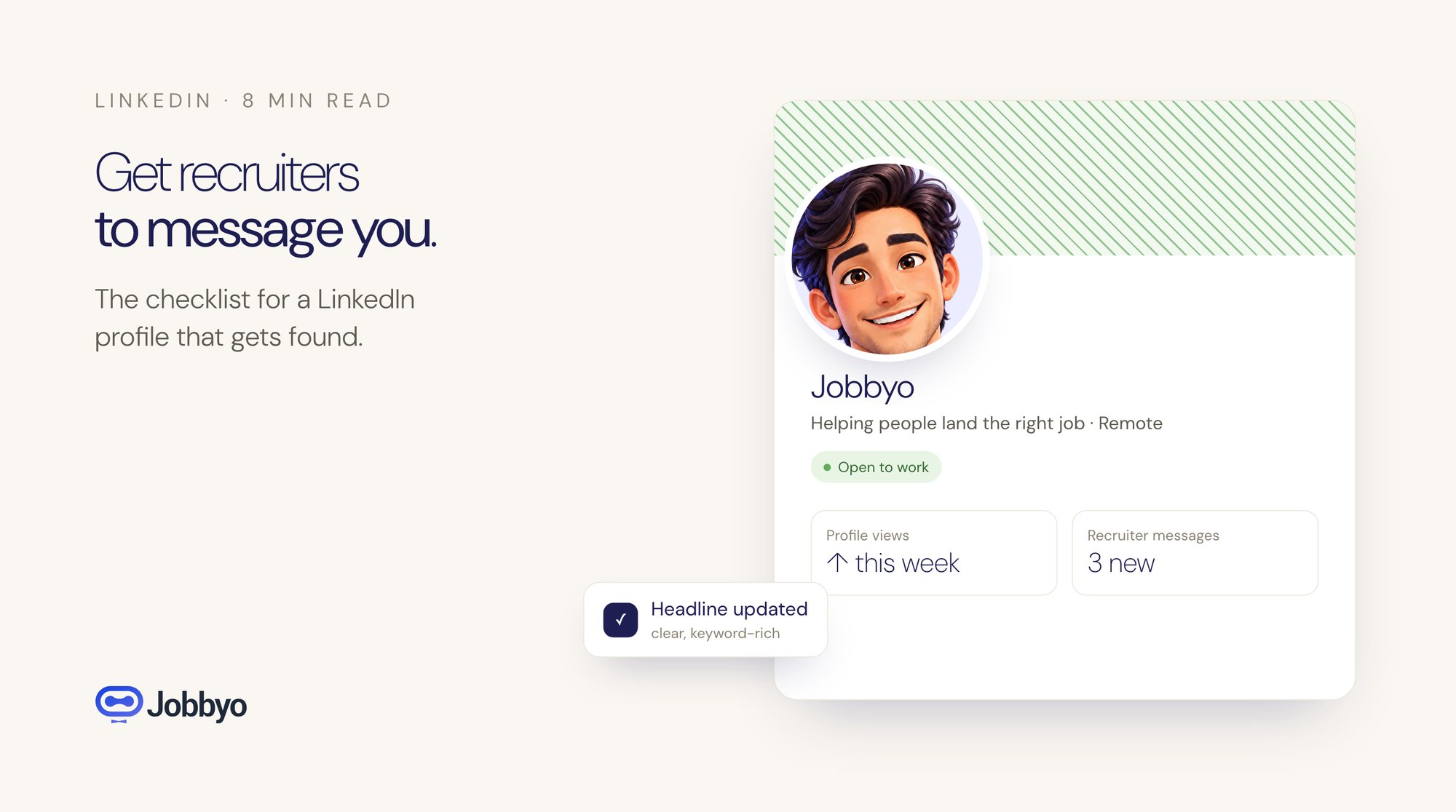
LinkedIn Profile Optimization: The AI-Powered Checklist That Gets Recruiters to Message You
Most LinkedIn profiles are invisible to recruiters. Here's a step-by-step checklist to optimize your profile so that opportunities come to you — not the other way around.
There are two types of job seekers on LinkedIn. The first type applies to jobs all day and rarely hears back. The second type gets messages from recruiters asking if they're open to new opportunities.
The difference isn't experience, seniority, or connections. It's profile optimization.
LinkedIn's algorithm determines who appears in recruiter searches, and it operates on rules that most users don't understand. Your profile isn't just a digital resume — it's a searchable database entry. If it's not optimized for the way recruiters search, you're essentially invisible to the people who could change your career.
This guide is the checklist we wish someone had given us. Every item is based on how LinkedIn's search and recommendation algorithms actually work, combined with AI-powered techniques that give you an unfair advantage.
Why Your Profile Isn't Getting Views
Before we fix anything, let's understand the problem.
LinkedIn has over 900 million users. When a recruiter searches for "Senior Product Manager, Remote, SaaS," the platform returns results ranked by relevance. Relevance is determined by several factors:
- Keyword density and placement — where specific terms appear in your profile
- Profile completeness — LinkedIn rewards profiles that use every available section
- Activity level — how recently you've engaged on the platform
- Connection proximity — your network's overlap with the recruiter's
- Open to Work signal — whether you've indicated availability
Most people optimize for none of these. They fill in their job titles, write a vague summary, and wonder why their profile gets 12 views a month.
The fix isn't complicated. It's systematic.
The Complete LinkedIn Optimization Checklist
1. Rewrite Your Headline (This Is the Single Most Important Change)
Your headline is the first thing recruiters see, and it's heavily weighted in search rankings. The default format — "Job Title at Company" — is the worst possible choice.
Why? Because it tells the recruiter nothing they can't see from your experience section, and it wastes your most valuable real estate on information that doesn't differentiate you.
Formula that works: [Role] | [Key Skill/Specialty] | [Value Proposition or Result]
Examples:
- "Senior Product Manager | B2B SaaS & Platform Strategy | Grew ARR from $2M to $18M"
- "Full-Stack Developer | React, Node.js, AWS | Building scalable systems for fintech"
- "Marketing Director | Demand Gen & Content Strategy | 3x Pipeline Growth at Series B Startups"
Notice what these headlines do: they include searchable keywords (the role and skills), they signal expertise in a specific area, and they provide a quantified result that creates credibility.
AI tip: Take the job descriptions of 5 roles you'd want, paste them into an AI tool, and ask it to identify the most common keywords across all five. Use those keywords in your headline.
2. Optimize Your About Section for Both Humans and Algorithms
Your About section (formerly Summary) needs to serve two masters: LinkedIn's search algorithm and the human recruiter who clicks on your profile.
For the algorithm: Include your target job titles, key skills, industry terms, and tools you use. LinkedIn indexes this section heavily, so natural keyword inclusion matters.
For the human: Tell a story. Not your life story — your professional story. Why do you do what you do? What problems do you solve? What kind of role are you looking for?
Structure that works:
- Opening hook (1-2 sentences): A specific accomplishment or statement that grabs attention
- What you do (2-3 sentences): Your core expertise and the type of work you're best at
- Key accomplishments (3-4 bullet points): Quantified results that demonstrate your impact
- What you're looking for (1-2 sentences): The type of role, company, or challenge that excites you
- Skills list (final line): A comma-separated list of your top 10-15 technical and professional skills
This structure ensures that a recruiter who reads the whole thing gets a compelling narrative, while one who skims still picks up your key qualifications and results.
AI tip: Write your About section in your own words first, then ask AI to identify gaps between your section and the job descriptions you're targeting. Add missing keywords naturally — don't just stuff them in.
3. Transform Your Experience Section From Duties to Impact
This is where most profiles go wrong. People describe what their job was instead of what they accomplished.
Bad: "Managed a team of 5 engineers and oversaw product development."
Good: "Led a 5-person engineering team that shipped 3 major product features in 6 months, reducing customer churn by 22% and generating $1.2M in incremental ARR."
The difference is specificity and outcomes. Every bullet point in your experience section should follow this pattern:
[Action verb] + [what you did] + [measurable result]
If you can't quantify the result with a number, quantify the scope: team size, budget managed, number of stakeholders, markets served.
AI tip: Paste your current experience bullets into an AI tool along with the job description of your target role. Ask it to rewrite your bullets to emphasize the skills and outcomes that align with the role's requirements. Then edit the output to make sure everything is accurate and sounds like you.
4. Max Out Your Skills Section
LinkedIn allows you to list up to 50 skills, and you should use all 50.
Why? Because recruiters filter candidates by skills. If you have "Product Management" listed but not "Product Strategy," you won't show up in searches for the second term — even if it's the same thing.
Strategy:
- List your 5-10 core skills first (these get the most visibility)
- Fill the remaining slots with related terms, tools, and methodologies
- Include both the abbreviated and full versions of key terms (e.g., "SEO" and "Search Engine Optimization")
- Add skills that appear frequently in job descriptions for your target roles
AI tip: Collect 10 job descriptions for roles you want. Ask AI to extract every skill and qualification mentioned across all 10, then rank them by frequency. Add the top ones to your profile.
5. Get Strategic About Endorsements and Recommendations
Endorsements affect search ranking. Recommendations affect conversion — whether a recruiter who views your profile decides to reach out.
For endorsements: Reach out to 10-15 colleagues and ask them to endorse your top 5 skills. Offer to endorse theirs in return. Focus on the skills most relevant to the roles you're targeting.
For recommendations: Quality beats quantity. Three specific, detailed recommendations from people who worked directly with you are worth more than fifteen generic ones.
When requesting a recommendation, make it easy: tell the person what project or skill you'd like them to highlight. "Would you mind writing a few sentences about the product launch we worked on together?" gets a better result than "Can you write me a recommendation?"
6. Turn On "Open to Work" (The Right Way)
LinkedIn's "Open to Work" feature signals to recruiters that you're available. But there's a right way and a wrong way to use it.
Do: Use the recruiter-only visibility option. This shows your availability to recruiters without broadcasting it to your entire network (including your current employer).
Do: Specify your target job titles, locations, and work type (remote, hybrid, on-site). The more specific you are, the more relevant the recruiter outreach will be.
Don't: Use the green "Open to Work" photo frame unless you're comfortable with your current employer seeing it. Some people find it helpful for signaling to their network, but it removes the subtlety of a private job search.
7. Post and Engage Consistently
LinkedIn's algorithm rewards active users. Profiles that post, comment, and engage regularly rank higher in search results than dormant profiles.
You don't need to become a LinkedIn influencer. Here's a minimum viable activity schedule:
- 2-3 comments per week on posts from people in your industry. Add genuine insight, not just "Great post!"
- 1 post every two weeks sharing a professional insight, project update, or industry observation
- React to 5-10 posts per day — likes and reactions signal activity to the algorithm
The goal isn't to go viral. It's to tell LinkedIn's algorithm that you're an active, engaged professional — which bumps your ranking in search results.
AI tip: If you struggle with what to post, ask AI to generate 10 post ideas based on your expertise and target industry. Pick the ones that feel natural and add your own perspective.
8. Customize Your URL and Complete Every Section
Small details matter:
- Custom URL: Change your LinkedIn URL from the default (linkedin.com/in/john-doe-a8b7c6) to something clean (linkedin.com/in/johndoe). This looks more professional and is easier to share.
- Featured section: Pin your best work — articles, portfolio pieces, presentations, or projects
- Certifications and courses: Add any relevant certifications, especially industry-recognized ones
- Volunteer experience: This section is indexed by LinkedIn and can include additional keywords
- Profile photo: A professional, well-lit headshot increases profile views by up to 14x compared to profiles without photos
LinkedIn gives each profile a completeness score internally. Profiles that use every available section rank higher than those with gaps.
How to Measure Your Results
Optimization isn't a one-time event. It's a process of testing and improving. Here's what to track:
- Profile views (weekly): This is your primary metric. After optimizing, you should see a noticeable increase within 2-3 weeks.
- Search appearances: LinkedIn tells you how many searches your profile appeared in and what keywords triggered the appearance. Use this data to refine your keyword strategy.
- Connection requests from recruiters: Track the quality and frequency of inbound messages. More relevant messages mean your targeting is working.
- SSI score: LinkedIn's Social Selling Index (found at linkedin.com/sales/ssi) rates your profile on four dimensions. Aim for a score above 60.
Combining LinkedIn With Your Job Search System
An optimized LinkedIn profile creates inbound opportunities, but it shouldn't be your only strategy. The most effective job seekers in 2026 combine a strong LinkedIn presence with proactive, automated outreach.
Here's how the two work together:
Your Jobbyo dashboard shows you which companies you've applied to. Your optimized LinkedIn profile makes you visible to recruiters at those same companies. When a recruiter searches for candidates and your profile appears — and they see you've also recently applied — that's a powerful signal. You're not just a random applicant. You're someone who's actively interested and actively qualified.
The automation handles volume. LinkedIn handles visibility. Together, they create a system where opportunities find you from multiple directions.
Your profile is your most important job search asset. Invest the time to optimize it properly, and it will work for you around the clock — even when you're not actively searching.
Put this to work
Let Jobbyo find your
best matches for you.