The Job Seeker's Automation Stack: What to Automate, What to Keep Human, and Why It Matters
The most effective job seekers in 2026 run their search like a system — automating repetitive tasks, tracking everything, and investing their human energy only where it creates real leverage. Here's exactly how to build that stack.
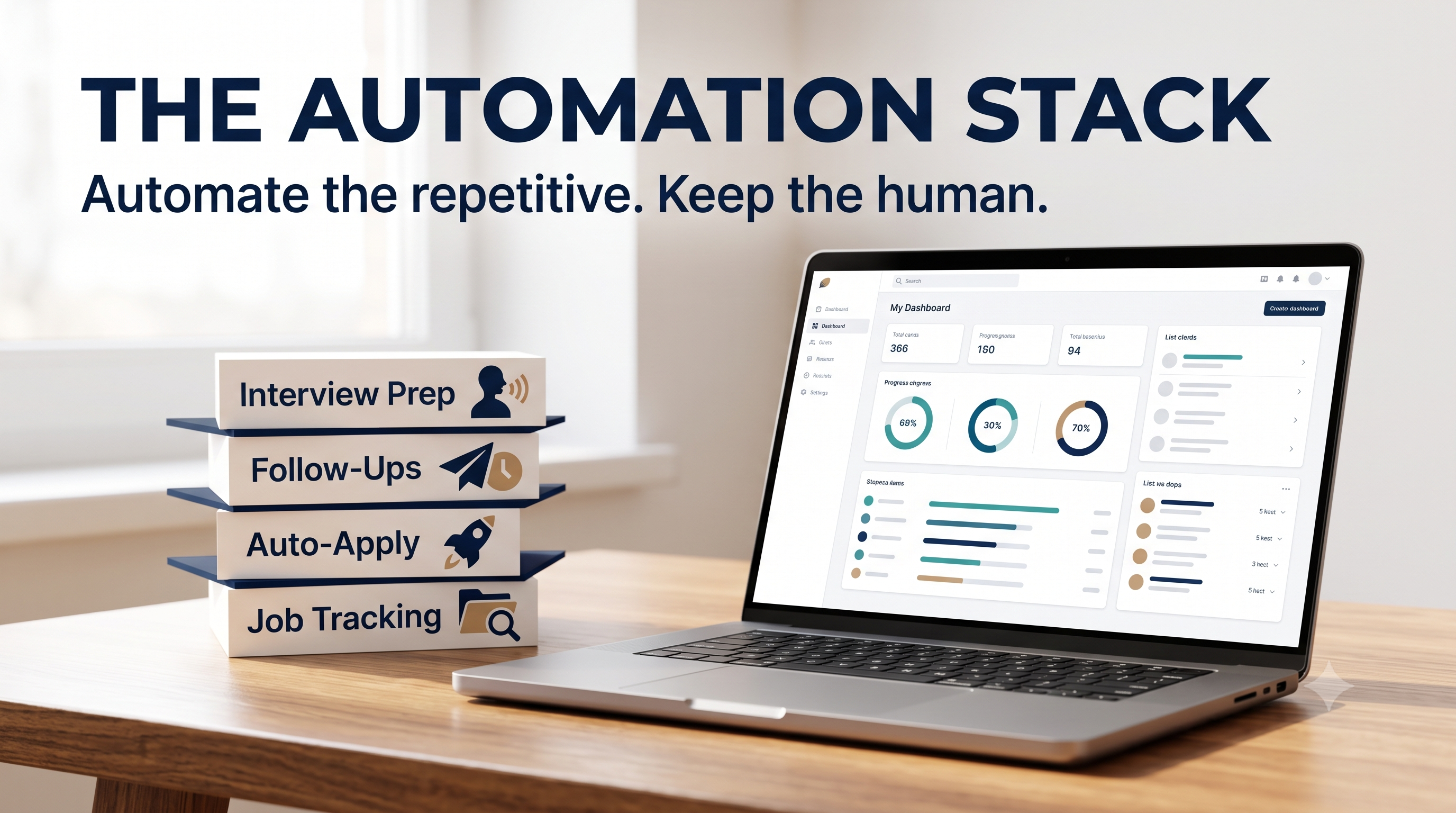
The Job Seeker's Automation Stack: What to Automate, What to Keep Human, and Why It Matters
There are two ways to run a job search in 2026. The first way: manually check job boards every day, copy-paste applications one at a time, try to remember which companies you've applied to, and follow up when you happen to think of it. This approach takes 30-40 hours a week of grinding, leaves you exhausted, and misses most opportunities.
The second way: build a system. Automate everything repetitive. Track everything systematically. Invest your human time and energy only in the activities where it actually creates leverage — conversations, relationships, interview preparation.
The difference in outcomes between these two approaches is significant. Job seekers running systematic, even partially automated searches consistently report higher application rates, higher response rates, and faster time-to-offer than those doing everything manually.
Here's how to build the stack.
The Core Principle: Time Arbitrage
Before diving into tools, the underlying principle is worth naming explicitly.
Every hour you spend on a task a machine can do is an hour you didn't spend on something only a human can do. Your job search has a fixed number of productive hours. The goal of automation is to shift the allocation of those hours — from repetitive, low-value activities toward high-leverage, human-specific ones.
The activities that belong to automation:
- Discovering new job postings across multiple sources
- Submitting applications at scale
- Tracking application status and dates
- Triggering follow-up reminders
- Organizing recruiter and hiring manager contact information
- Monitoring company activity (for research and outreach)
The activities that belong to you:
- Writing personalized outreach messages
- Interview preparation and practice
- Relationship-building conversations
- Evaluating opportunities and making decisions
- Post-interview follow-up (with templates to speed it up)
Layer 1: Application Discovery and Submission
Job Discovery Automation
Manually checking LinkedIn, Indeed, Glassdoor, Greenhouse, and company career pages every day is unsustainable. There are better ways.
Job board alerts: Most major platforms allow you to set up email or push notification alerts for new postings matching your criteria. Set these up once and let new opportunities come to you rather than hunting for them.
RSS feeds from company career pages: Many company career pages expose RSS feeds. Tools like Feedly or Inoreader can aggregate dozens of company career pages into a single feed that updates in real time.
Google Alerts for hiring signals: Set up Google Alerts for "[target company] is hiring" or "[target role] [target city]" to surface news and LinkedIn posts about open positions before they're widely advertised.
Application Automation
This is where the biggest time savings live. Manually completing application forms — uploading resumes, answering screening questions, filling in employment history — is some of the most mind-numbing repetitive work in a job search. It's also the most automatable.
Jobbyo handles this end-to-end: it discovers relevant roles matching your criteria, submits applications on your behalf with your optimized resume, and ensures every application is tailored to the specific role rather than sending a generic document everywhere. You set the parameters once; the system does the searching and applying.
For applications you're submitting manually (when you want direct control over a specific role), browser extensions like Simplify or Autofill tools can pre-populate common fields — company name, phone number, employment history — across most application platforms in seconds.
Layer 2: Tracking and Pipeline Management
The second biggest failure in manual job searches is losing track of where things stand. Without a system, you forget who you've contacted, when you applied, what stage each application is in, and when follow-ups are due. This leads to missed follow-up windows, duplicate applications, and the vague anxiety of not knowing where your search actually stands.
The Tracking System
At minimum, your tracking system needs:
| Field | Purpose |
|---|---|
| Company | Who you applied to |
| Role | Specific position |
| Date Applied | For follow-up timing |
| Status | Applied / Phone Screen / Interview / Offer / Rejected |
| Contact | Recruiter or hiring manager name and email |
| Next Action | What to do next |
| Next Action Date | When to do it |
This can live in Airtable, Notion, or a Google Sheet. The important thing is that it's the single source of truth — every application, every contact, every follow-up lives here.
Automation Within the Tracker
Once you have a tracker, automation can do the reminder layer for you:
Airtable automations: When an application moves to "Interview" status, automatically create a follow-up reminder 24 hours later. When "Next Action Date" equals today, send an email notification.
Notion reminders: Notion's date properties support reminders — set a follow-up date on any application record and get a notification automatically.
Jobbyo's dashboard: If you're using Jobbyo for application submission, your dashboard already aggregates all applications in one place with status tracking — which means you're not building the tracking infrastructure from scratch.
Layer 3: Follow-Up and Communication Automation
The Reminder System
Follow-up timing matters. Too early and you seem impatient. Too late and the application has gone cold. The standard timelines:
- After applying: Follow up 5-7 business days later if no response
- After an interview: Follow up within 24 hours (thank-you), then again 2-3 days past their stated timeline if nothing
- After silence: Follow up once more at 14 days, then move on
Automating the reminder layer means you never have to remember these manually. Your tracking system handles the when; you handle the what.
Template Management
Write three core follow-up templates:
- Post-application follow-up
- Post-interview thank-you
- Status check-in after silence
Store them in Gmail's Canned Responses (Settings → Advanced → Templates), Notion, or a tool like TextExpander. When a reminder fires, you open the template, customize 2-3 sentences, and send in under 3 minutes.
The ratio: 80% template, 20% personalized to this specific application. That 20% — a reference to the specific role, something from a conversation, a relevant detail about the company — is what separates a professional follow-up from obvious spam.
Layer 4: Research Automation
Company Intelligence
Knowing what's happening at a target company before you apply or interview is a consistent differentiator. Setting up monitoring takes 15 minutes once and runs in the background indefinitely.
Google Alerts: Set up alerts for your target companies. You'll receive email digests when they're mentioned in news, press releases, or public content.
LinkedIn company follows: Following target companies on LinkedIn surfaces their posts, job announcements, and employee updates in your feed automatically.
Twitter/X lists: Many hiring managers and company leaders post publicly. Create a private list of people at your target companies and check it periodically for signals about team priorities, culture, and open roles.
Aggregating Research With AI
When you need to prep for an interview, paste the job description and recent company news into an AI tool and ask it to:
- Identify the implicit priorities behind the role
- Generate likely interview questions
- Surface key vocabulary and language patterns to mirror
This analysis used to take an hour of careful reading. With AI, it takes 5 minutes and covers more ground.
Layer 5: Networking Outreach at Scale
Personalized outreach doesn't scale manually. But with the right system, you can send high-quality, genuinely personalized messages to 10-15 people per week without it taking more than 30 minutes.
The Framework
- Maintain a target list: 20-30 companies you'd genuinely want to work at. Keep this in your tracker.
- Identify one contact per company: The person who leads the team you'd join, or a peer doing the work you want to do.
- Research them in 5 minutes: Their LinkedIn recent activity, any public posts, shared connections.
- Customize a template: Start with a saved template, add 1-2 sentences specific to their work or something they posted.
Tools like Clay or Apollo can help you maintain and enrich a list of target contacts, surfacing recent activity and context that helps you write more relevant messages. For most individual job seekers, manual research with LinkedIn is sufficient — the template + 2 custom sentences approach scales well without needing additional tooling.
Layer 6: Interview Preparation Automation
Question Bank Generation
After getting an interview, run the job description through an AI tool to generate likely questions. This was covered in detail in our post on using AI to decode job descriptions, but the core prompt:
"Based on this job description, generate the 10 most likely behavioral interview questions. For each, identify the underlying competency being tested."
Mock Interview Tools
Tools like Yoodli and Interview Warmup (Google) provide AI-powered mock interview practice — you speak your answers aloud and receive feedback on pacing, filler words, and content. This kind of feedback loop used to require a human practice partner. Now you can run 20 minutes of focused interview practice at 10pm without scheduling anything.
Centralized Prep Document
For each interview, maintain a single prep document that contains:
- AI-generated likely questions
- Your drafted answers (in bullet form, not scripts)
- 5 key facts about the company
- 3 specific questions to ask the interviewer
- Contact information for each interviewer
Notion templates work well for this — you can duplicate a blank template for each new interview in seconds.
What Not to Automate
A few things where automation backfires:
Fully templated outreach with no customization. Recruiters can spot copy-paste messages instantly. The template saves time on structure; the personalization is what makes it work.
Applying to everything. Automated application tools that submit to any role with vaguely matching keywords produce poor results and can flag your profile as a spam applicant on some platforms. Apply at volume, but to qualified, relevant roles only.
AI-written cover letters sent without editing. AI drafts are starting points. A cover letter that reads like it was written by a language model and sent without human editing is worse than a mediocre human-written one.
Scheduling interviews without confirming you're available. Calendar automation tools can overbook you. Verify before committing.
Putting It Together: The Week in Review
A job seeker running this full stack might spend their week like this:
Daily (15 min):
- Review new job alerts from automated sources
- Check Jobbyo dashboard for newly submitted applications and status updates
- Send any follow-ups triggered by the reminder system
Weekly (2-3 hours):
- Review and approve applications queued for submission
- Run AI prep analysis on any interviews scheduled for next week
- Send 5-10 personalized outreach messages to target contacts
- Update tracker with any new status changes
As needed:
- Deep interview prep (job description analysis, question practice, mock interview)
- Personalized outreach research for specific target companies
This structure means you're never doing hours of mindless job board scrolling. Every hour you invest is either maintaining the automated system or doing the high-leverage human work that the system creates space for.
The job search has never been more competitive. But it's also never been more automatable. The candidates who combine smart automation with genuine human effort in the right places consistently outperform those who do everything manually or who automate so aggressively that they lose the human signal entirely.
Jobbyo is built around this exact principle — handling the application layer so your time goes where it matters most. Try it free and see how a system-run search changes your results.