9 min read
How to Write a Cover Letter With AI (Without Sounding Like a Robot)
AI can help you write cover letters faster, but most people are doing it wrong. Here's how to use AI tools to create cover letters that actually sound like you — and get responses.
You've seen them. We've all seen them.
"I am writing to express my enthusiastic interest in the Marketing Manager position at your esteemed organization. With my extensive background in strategic marketing initiatives and cross-functional team leadership, I am confident that I would be a valuable asset to your dynamic team."
That's what happens when someone copies and pastes an AI-generated cover letter without editing it. It reads like it was written by a thesaurus that went to business school. No hiring manager is fooled by it, and most will stop reading after the first sentence.
But here's the thing: AI is genuinely useful for cover letters. When used correctly, it saves hours of work and produces better results than most people could write on their own. The key is knowing how to use it as a tool, not as a replacement for your voice.
This guide will show you exactly how to do that.
Why Most AI-Generated Cover Letters Fail
Before we get into the how, let's understand the why. There are three core reasons AI cover letters end up in the reject pile.
They're generic
The number one problem. AI defaults to broad, safe language that could apply to literally any candidate and any company. Phrases like "passionate about innovation" and "proven track record of success" mean absolutely nothing because they describe everyone and no one at the same time.
Hiring managers read hundreds of cover letters. They can detect generic language in seconds, and when they do, they move on. Your cover letter needs to answer one question: "Why you, specifically, for this role, specifically, at this company, specifically?"
Generic AI output doesn't answer that question. It avoids it.
They sound performative
AI tends to over-sell. "I would be thrilled to bring my transformative leadership capabilities to your world-class organization." Nobody talks like that. Nobody thinks like that. And when a hiring manager reads it, they don't think "wow, this person is impressive." They think "this person didn't write this."
Authenticity matters more than polish. A slightly rough cover letter that sounds like a real person is infinitely more effective than a perfectly polished one that sounds like a press release.
They ignore context
The most valuable information in a cover letter is the stuff AI can't know. Why you're interested in this specific company. What you know about their challenges. How a particular experience in your career connects to what they need.
AI can structure a letter and optimize it for keywords, but it can't replace the context that comes from your research, your network, and your genuine interest in the role.
The Right Way to Use AI for Cover Letters
Now that we know what goes wrong, here's the framework that actually works.
Step 1: Start With Research, Not a Prompt
Before you open any AI tool, spend 10 minutes on research. This is the step most people skip, and it's the reason their cover letters all sound the same.
Look at:
- The job description — not just the requirements, but the language they use. Do they emphasize "collaboration" or "independent ownership"? "Fast-paced" or "methodical"? Mirror their language in your letter.
- The company's recent news — a product launch, a funding round, a new initiative. Mentioning something specific and recent shows you've done your homework.
- The hiring manager's LinkedIn — if you can identify who posted the job or who manages the team, look at their posts and interests. Even a single relevant reference can make your letter stand out.
Write down three things: one specific reason you're interested in this company, one relevant accomplishment from your experience, and one way your skills address a challenge they're likely facing.
These three pieces of context are what will make your cover letter impossible to replicate with a generic prompt.
Step 2: Give the AI Context, Not Just Instructions
This is where most people go wrong. They write a prompt like: "Write a cover letter for a marketing manager position."
That prompt gives the AI nothing to work with. Of course the output will be generic — the input was generic.
Instead, provide everything you gathered in Step 1. A better prompt looks like this:
"Write a cover letter for the Senior Marketing Manager role at [Company]. Here's the job description: [paste it]. Here's my relevant experience: [paste your resume or key points]. The company recently launched [specific initiative], which I find interesting because [your genuine reason]. My strongest relevant accomplishment is [specific achievement with numbers]. Keep the tone professional but conversational — no corporate jargon."
The more context you provide, the better the output. Think of it like briefing a colleague who's helping you draft something. You wouldn't just say "write me a cover letter" — you'd give them the full picture.
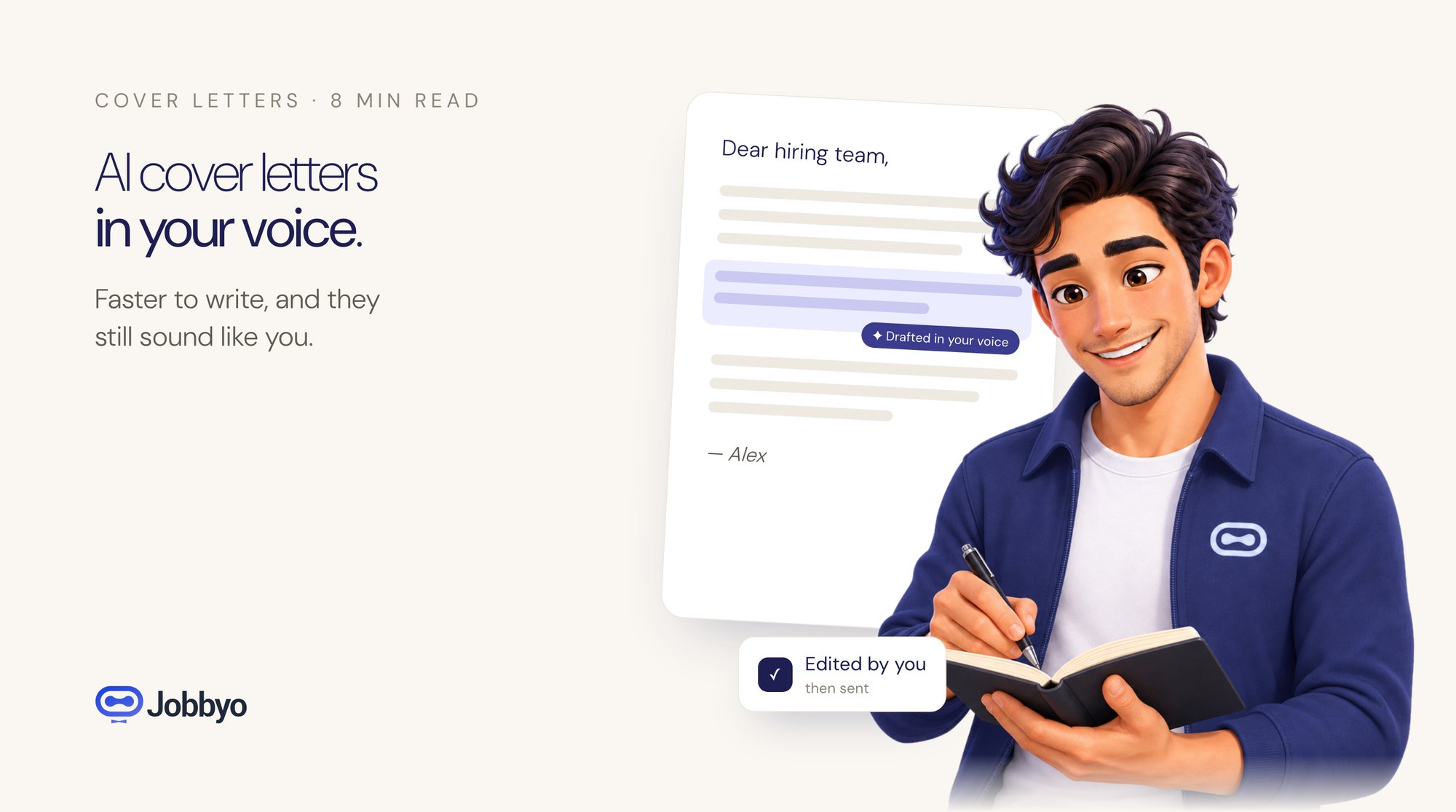
Step 3: Edit for Your Voice
This is the most important step, and the one that separates effective AI-assisted cover letters from obvious AI-generated ones.
Read the output out loud. Does it sound like something you'd actually say? If not, rewrite those parts. Here's what to look for:
- Replace big words with normal words. "Utilize" becomes "use." "Leverage" becomes "build on." "Spearheaded" becomes "led." You want to sound like a competent professional, not a motivational poster.
- Cut the superlatives. "Extremely passionate," "incredibly excited," "highly motivated" — remove all of them. Strong candidates don't need to insist they're strong. Their experience speaks for itself.
- Add one personal detail. Maybe it's why you moved into this field. Maybe it's a specific project that reminded you why you love this work. One authentic sentence does more than three paragraphs of corporate speak.
- Shorten it. AI tends to write long. The ideal cover letter is 250-350 words. If yours is over 400, start cutting. Every sentence should either demonstrate relevant experience or show genuine interest in the role. Everything else goes.
Step 4: Use AI for Optimization, Not Creation
After you've written your cover letter in your own voice, this is where AI becomes genuinely powerful again. Use it to:
- Check keyword alignment. Paste the job description and your cover letter side by side. Ask the AI to identify any critical keywords from the job description that you haven't included. Some ATS systems scan cover letters too.
- Improve your opening line. The first sentence is the most important. Ask the AI for three alternative opening lines and pick the one that sounds most like you.
- Proofread and tighten. AI is excellent at catching grammatical errors, awkward phrasing, and unnecessarily long sentences. Use it as an editor, not a writer.
Tools like Jobbyo integrate this process directly into the application workflow. When you're reviewing a matched job in your dashboard, you can generate a tailored cover letter that's already aligned with the job description and your resume. But the same principle applies: use the output as a starting point, then make it yours.
A Before-and-After Example
Before (raw AI output):
"Dear Hiring Manager, I am writing to express my interest in the Product Marketing Manager role at TechCorp. With over 6 years of experience in product marketing and a proven ability to drive go-to-market strategies, I am confident I would be a valuable addition to your team. I am passionate about leveraging data-driven insights to create compelling narratives that resonate with target audiences."
After (edited with context):
"Hi — I saw the Product Marketing Manager opening at TechCorp and wanted to reach out. I've spent the last 6 years in product marketing, most recently leading the launch of a B2B SaaS product that grew from 0 to 12,000 users in 14 months. I noticed TechCorp is expanding into the mid-market segment, and that's exactly the transition I navigated at my current company. I'd love to bring what I learned — especially around positioning technical products for non-technical buyers — to your team."
Same candidate. Same experience. But one sounds like a real person with relevant context, and the other sounds like it was generated in 15 seconds.
Common Mistakes to Avoid
Don't submit without reading it. This sounds obvious, but it happens constantly. People generate a cover letter, skim it, and hit send. At minimum, read it out loud once. If any sentence makes you cringe, rewrite it.
Don't use the same letter for every application. AI makes it easy to generate a new letter for each role. There's no excuse for sending a generic letter when you can create a tailored one in minutes.
Don't lie about your experience. AI will happily embellish your accomplishments if you let it. If you didn't "spearhead a company-wide transformation," don't let your cover letter say you did. Hiring managers will ask about it in the interview, and the conversation will go badly.
Don't over-explain why you're using AI. Some candidates add disclaimers like "I used AI to help draft this letter." Don't. It's like telling someone you used spell-check. It's a tool. Use it, own the output, and move on.
The Bottom Line
AI is the best cover letter assistant most people will ever have. It handles structure, keyword optimization, and first drafts faster than any human could. But it's still an assistant, not a replacement.
The cover letters that get responses in 2026 share three qualities: they're specific to the role, they sound like a real person wrote them, and they demonstrate genuine interest backed by research.
Use AI for what it's good at — speed and optimization. Use your brain for what it's good at — context, authenticity, and judgment. That combination is unbeatable.
Put this to work
Let Jobbyo find your
best matches for you.